
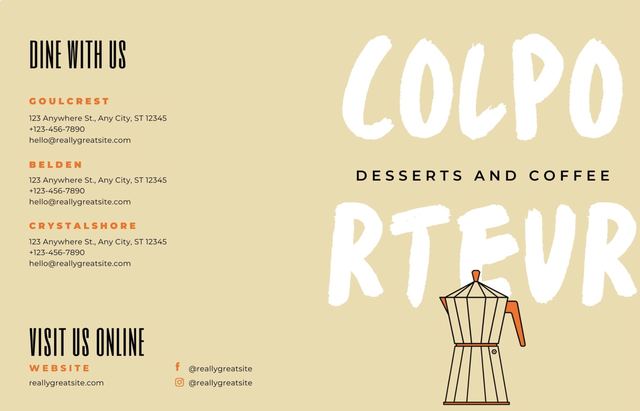
 Designed · ready to publish
Create
Design in Canva without leaving SVEISA, or add live apps like weather, news, Power BI dashboards and live TV.
Hover to build a designCreate, schedule and control what plays on every screen in your business, from one browser. In the cloud or on your own servers.
Trusted by brands across retail, beauty, food and hospitality











SVEISA is content management software for digital signage. One dashboard to design, schedule and control every screen you own, from a single display to thousands.
Design in Canva without leaving SVEISA, or add live apps like weather, news, Power BI dashboards and live TV.
Hover to build a designBuild playlists, split screens into zones and schedule content by the hour, day, week or month.
Hover to fan out the scheduleSee which screens are live, take snapshots, reboot remotely and prove what played with proof-of-play reports.
Hover the chart to inspect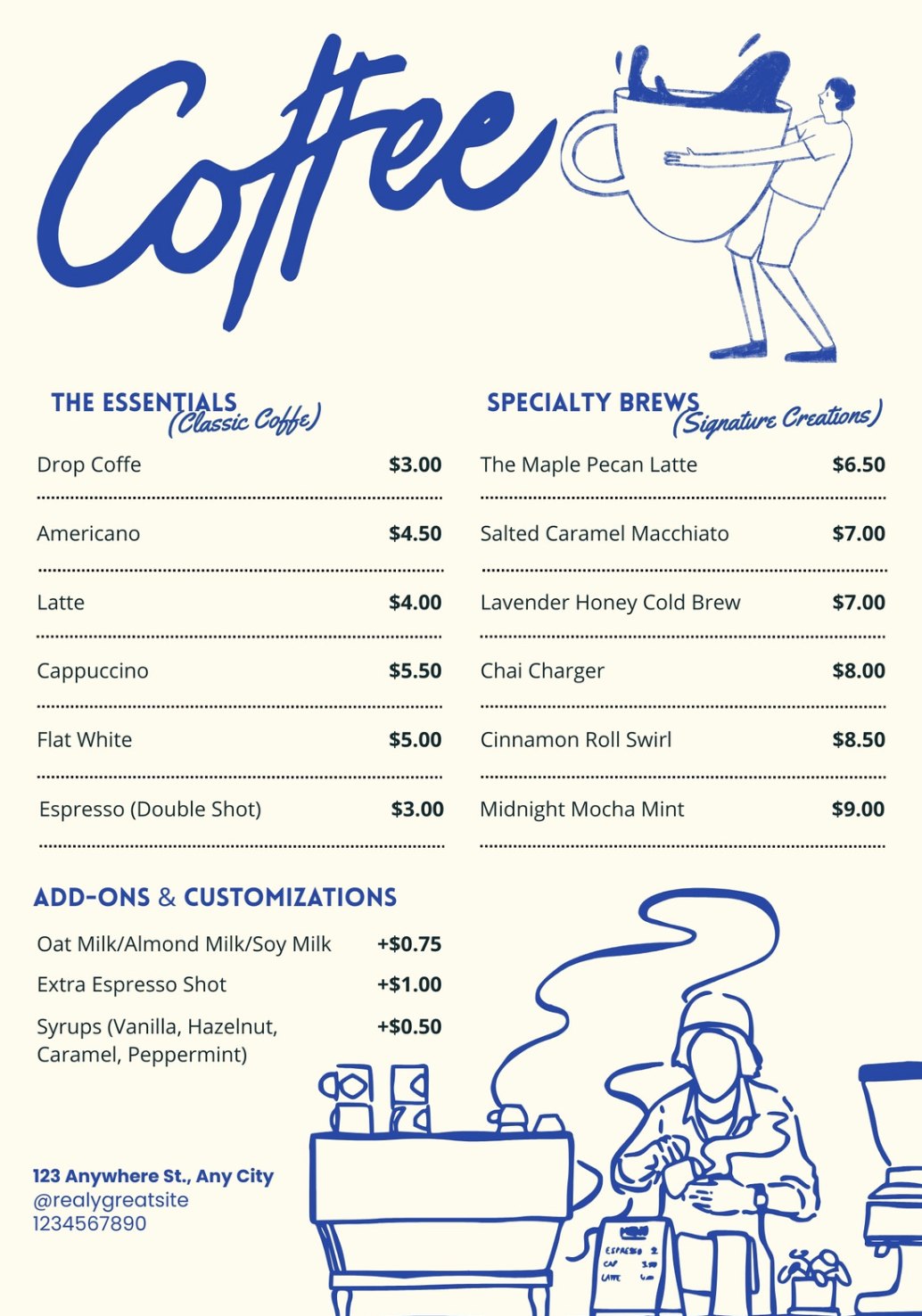 Breakfast · coffee menu06:00 – 11:00
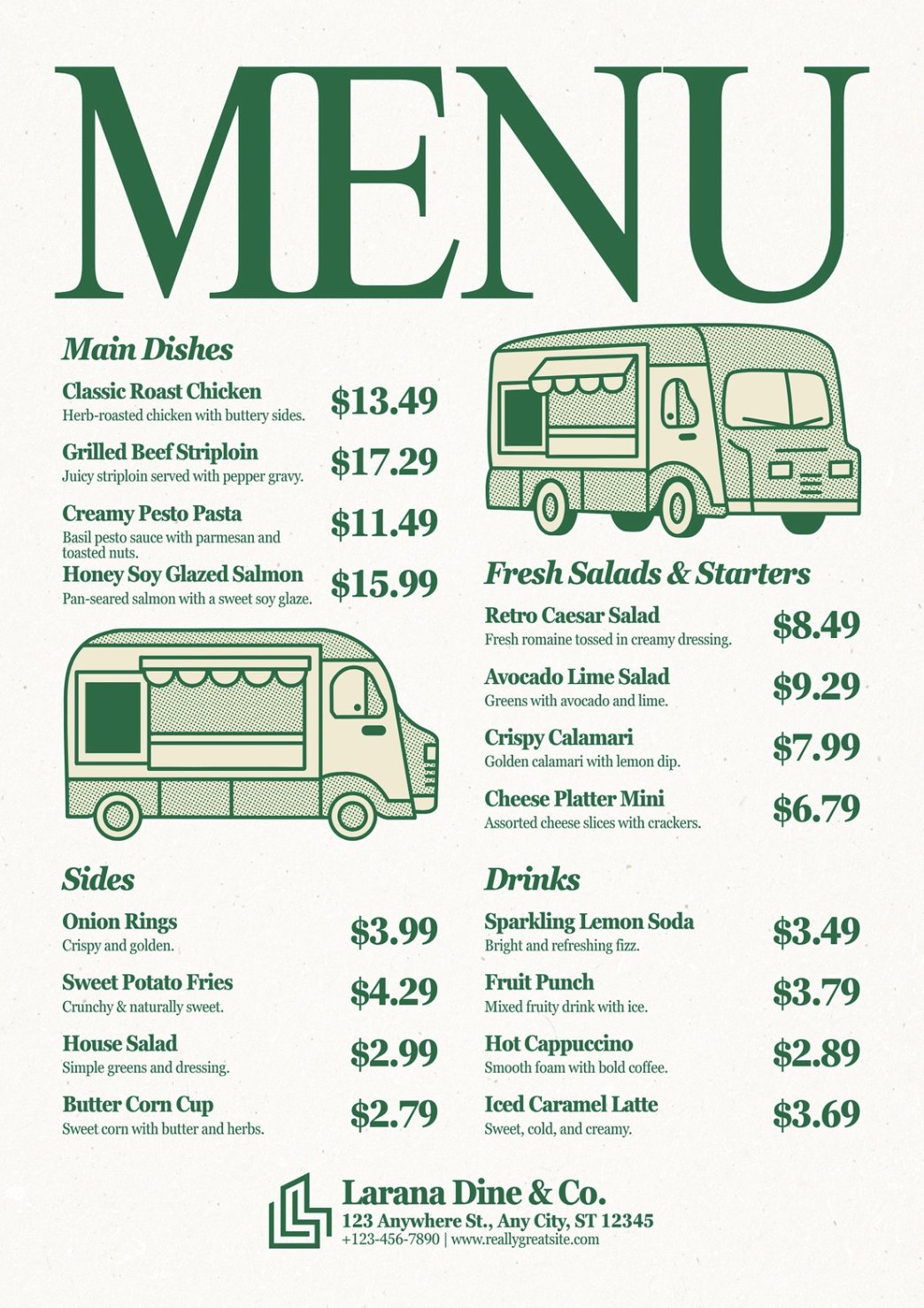 Lunch · mains & salads11:00 – 17:00
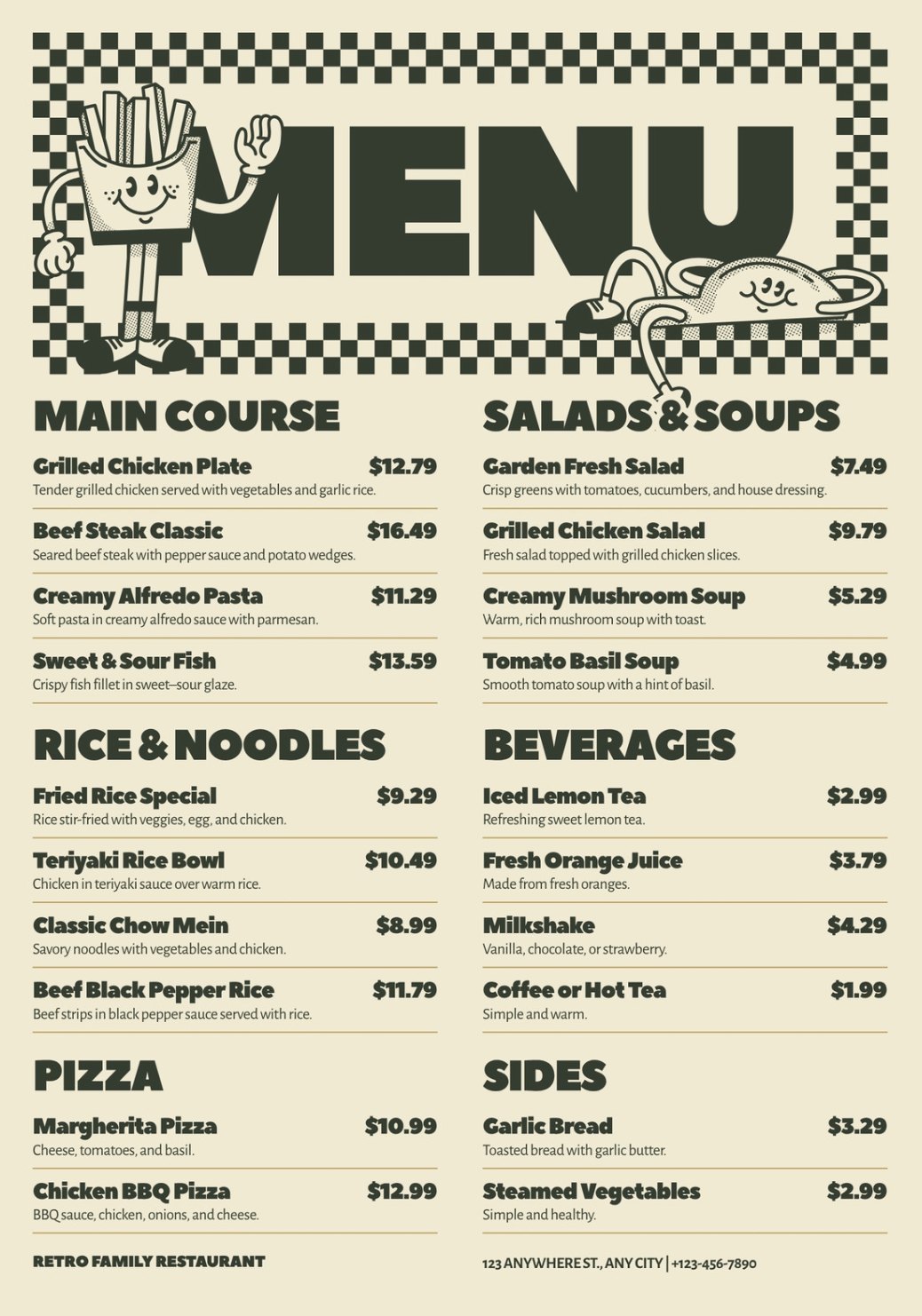 Dinner · family menu17:00 – 23:00
Push content to one display or a whole network from the same dashboard. Click any screen, or press publish, and watch the update travel.
A software that grows along and comes along with you.
One screen or a thousand across many locations, all from a single dashboard. Monitor status, push updates and manage schedules in real time.
Hover the grid · push an updateIf a device loses its connection, the screen keeps playing the most recent content. No blank screens. No disruption.
Hover to cut the connectionLog in securely from a laptop or tablet. Schedule content, push updates and check screen health from wherever you are.
Hover to speed up the orbitFrom content creation to real-time monitoring, everything lives under one roof. No extra tools, no extra teams.
Hover to bring it togetherMenu boards that switch by daypart, shop windows that sell, lobbies that welcome and service halls that keep queues calm.
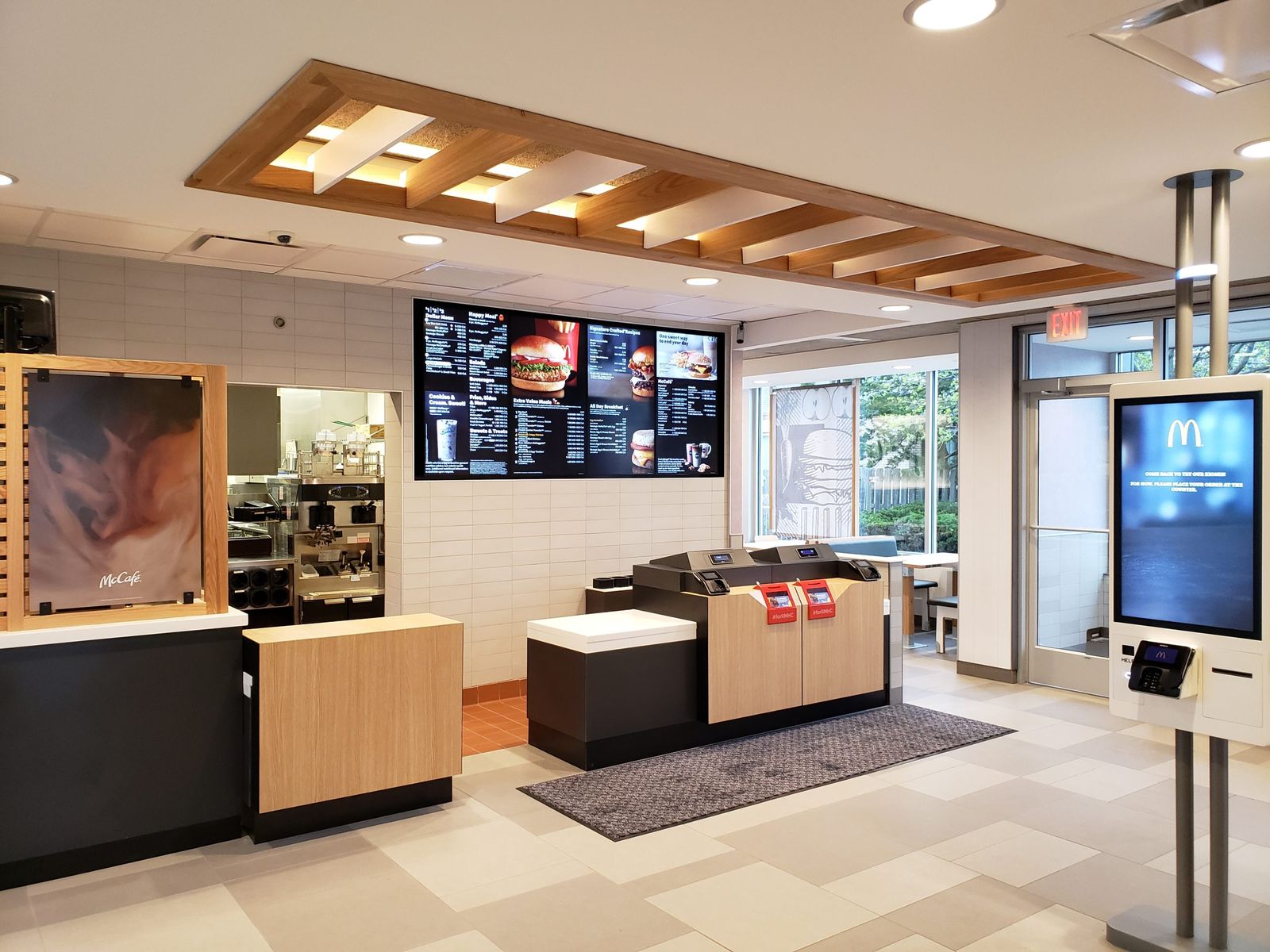
Update prices across every branch at once and switch menus by daypart automatically.
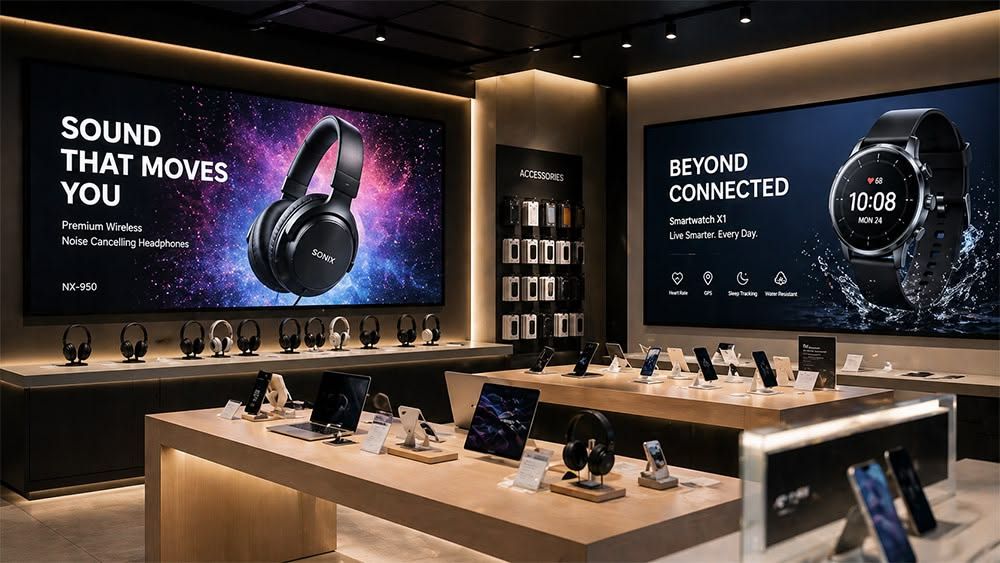
Campaigns, new arrivals and offers that go live in every store the same minute.
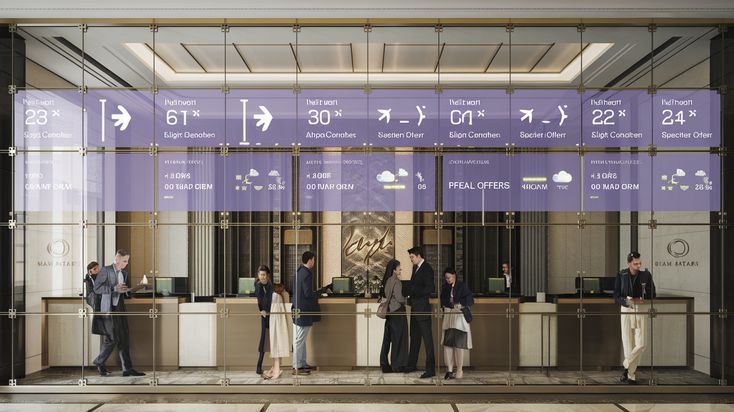
Lobby welcome screens, event boards, outlet menus and live TV from one system.
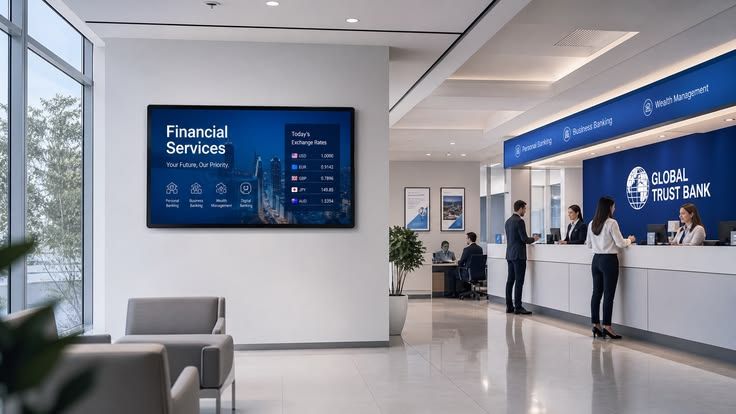
Queue numbers, announcements and emergency alerts that override every screen instantly.
Your screens speak for your brand in public. Hover each layer to watch it work.
Log in with your existing corporate credentials.
Google Authenticator or Microsoft Authenticator on every account.
CMS access only from approved addresses. Everything else is blocked.
Encrypted in transit and at rest, end to end.
Regular vulnerability assessment and penetration testing.
An independent audit of the platform's security and privacy controls.
Tell us how many screens you run and we'll show which deployment fits.
Zero infrastructure. Add or remove screens instantly and pay only for what you use.
SVEISA on your own server for smaller sites that want their data in-house.
Full control and data sovereignty for large networks, with custom enterprise integrations.
On your media box or smart display. We provide the package for each device.
The screen shows a code. Enter it in the SVEISA portal. Try it here.
Upload media and push it to your screens instantly. Pair the screen, then upload your own.
● Paired · playing default playlist